Pull requests and CI
Open pull requests and recent CI runs for the repo, next to the agents that made them.
127.0.0.1:4700
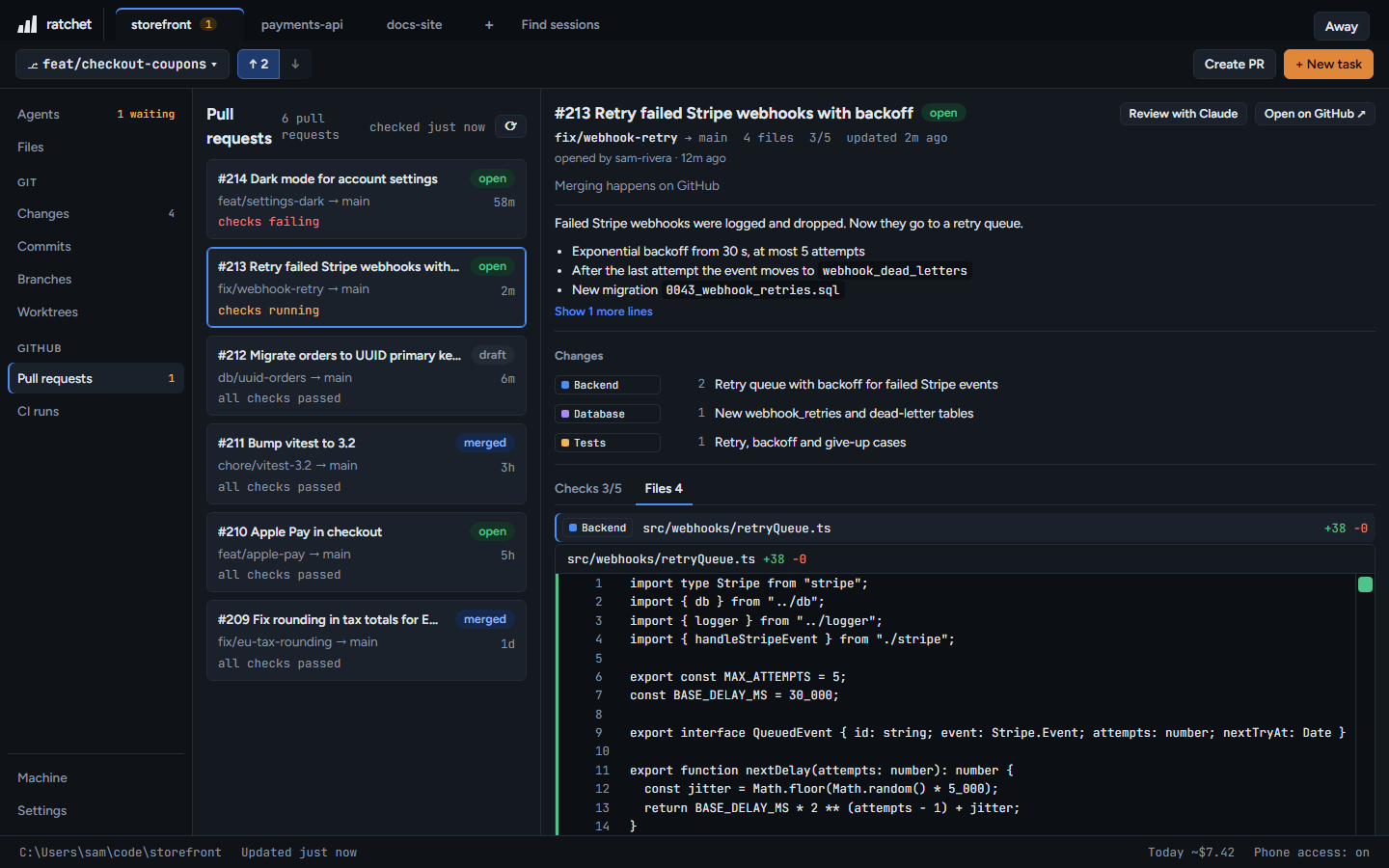
The list
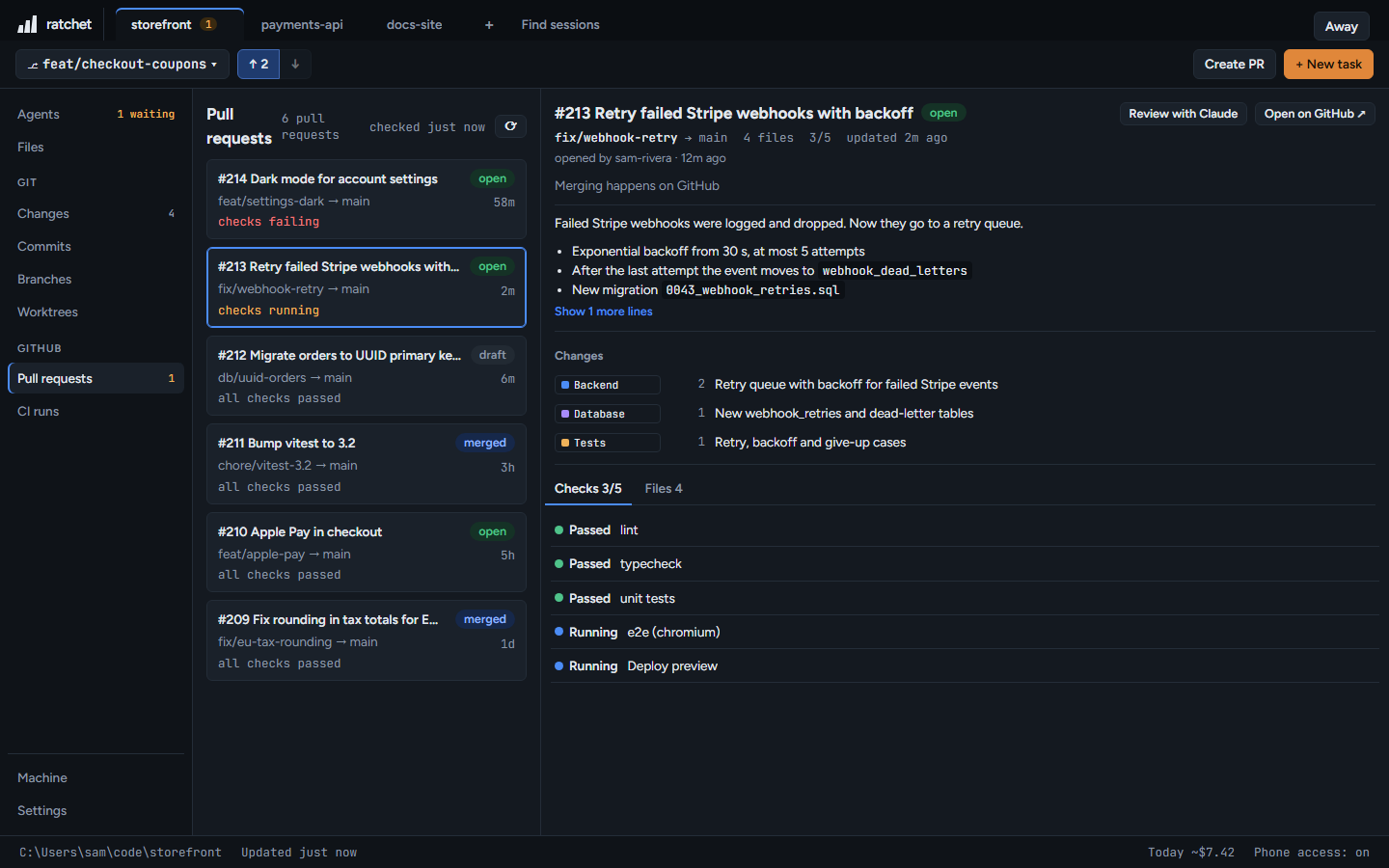
Open pull requests and those merged in the last 14 days. It refreshes every 30 seconds, or press the refresh button to check GitHub now.
A pull request
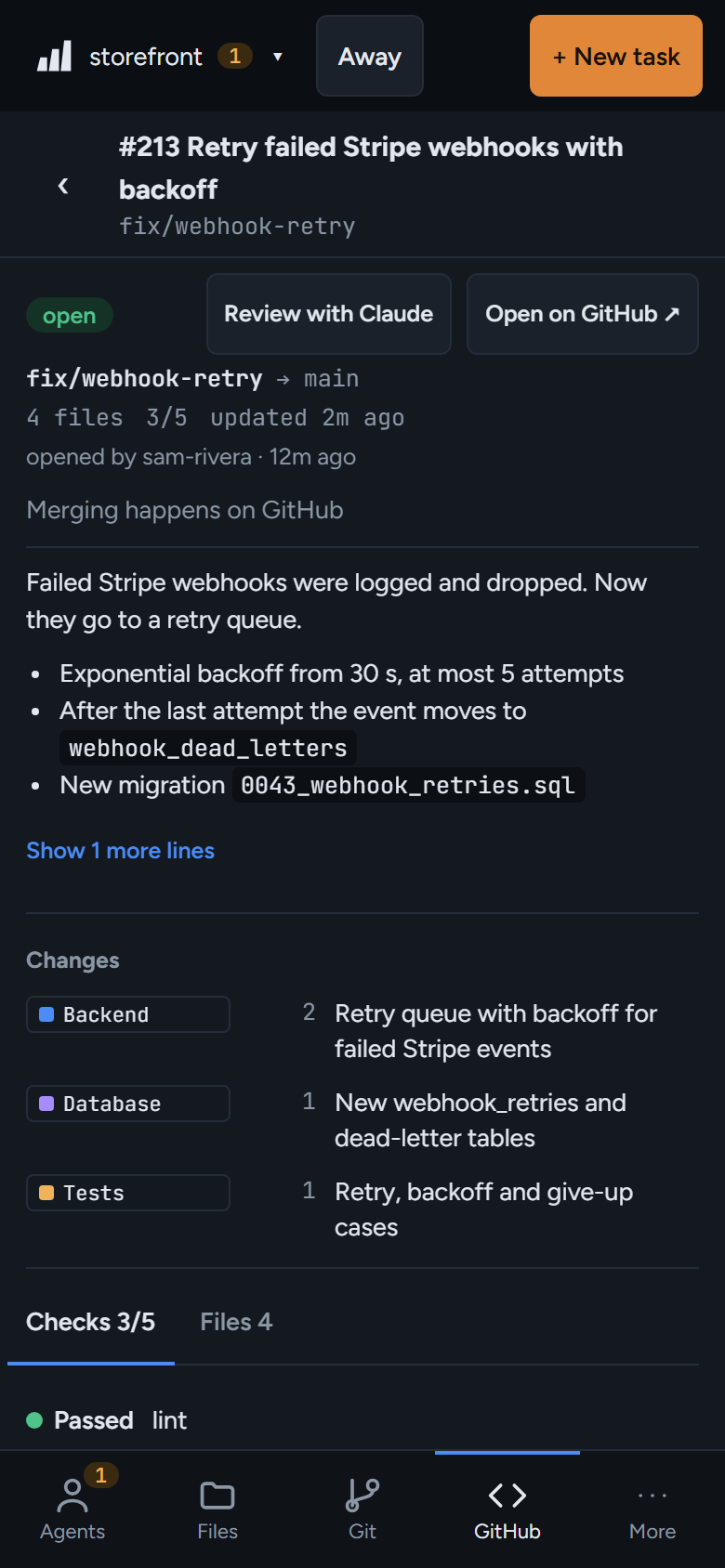
- Title, state, branch and base, and the description.
- Checks: every CI check and its result.
- Files: changed files sorted into groups such as Database, Backend, Frontend, Tests and Docs. Click a group to see only its files.
- Review with Claude starts an agent to review it. Open on GitHub opens it in your browser.
File groups use your Claude
The grouping runs a short Claude Code request on your own account, using the Haiku model.
127.0.0.1:4700
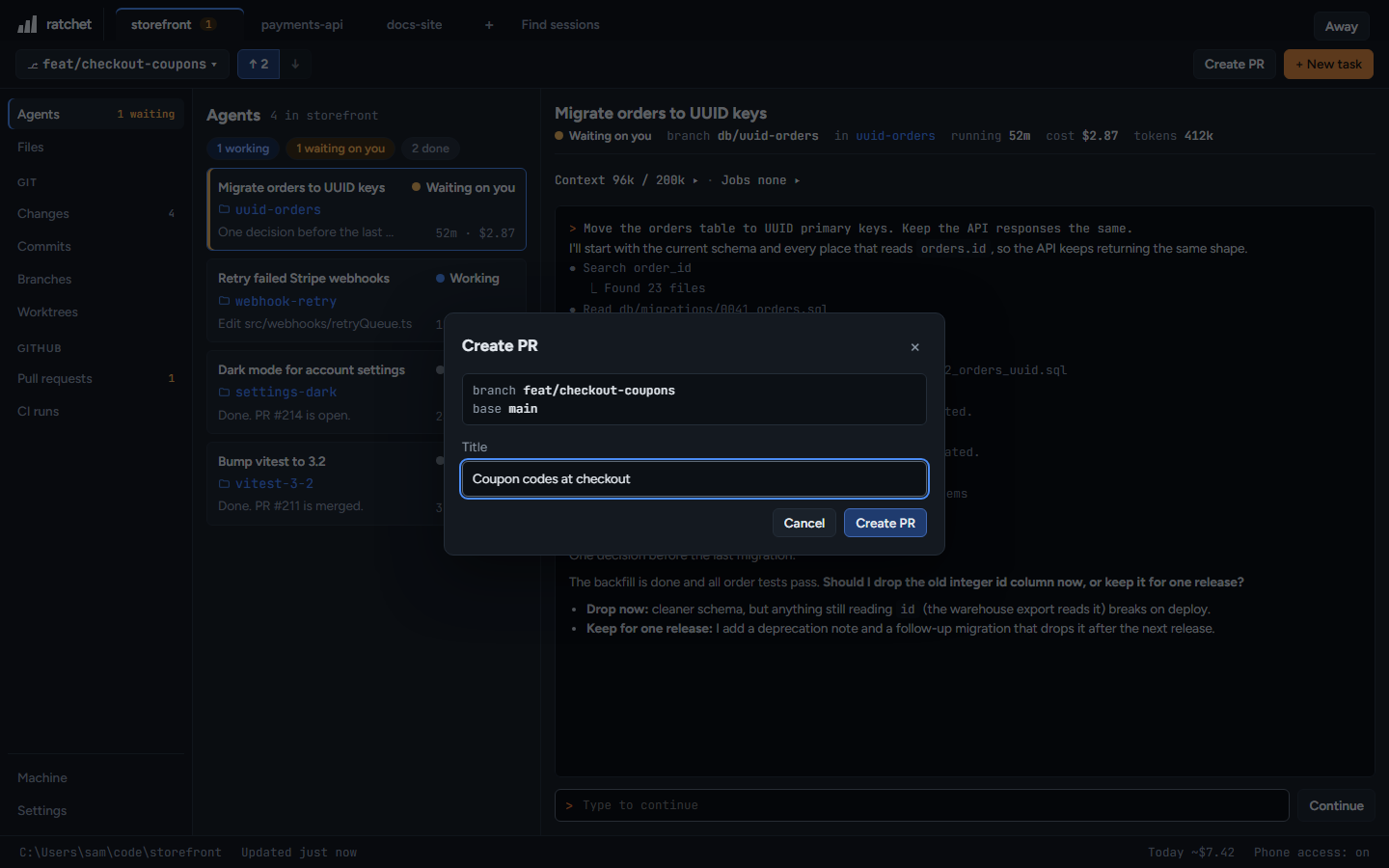
Create a pull request
On a branch without a pull request, press Create PR, give it a title and press Create PR. ratchet pushes the branch first if it needs to. Merging happens on GitHub.
127.0.0.1:4700
CI runs
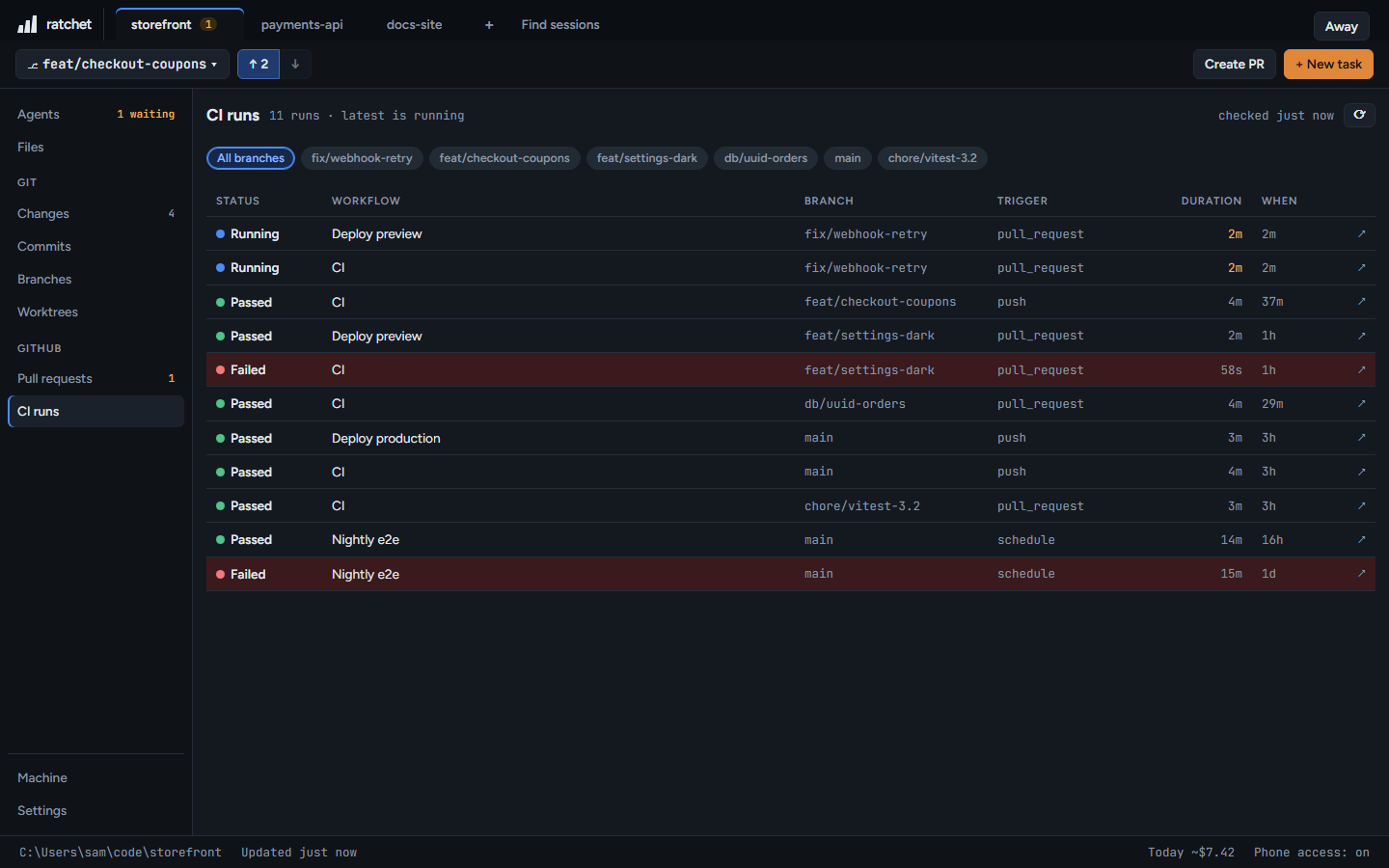
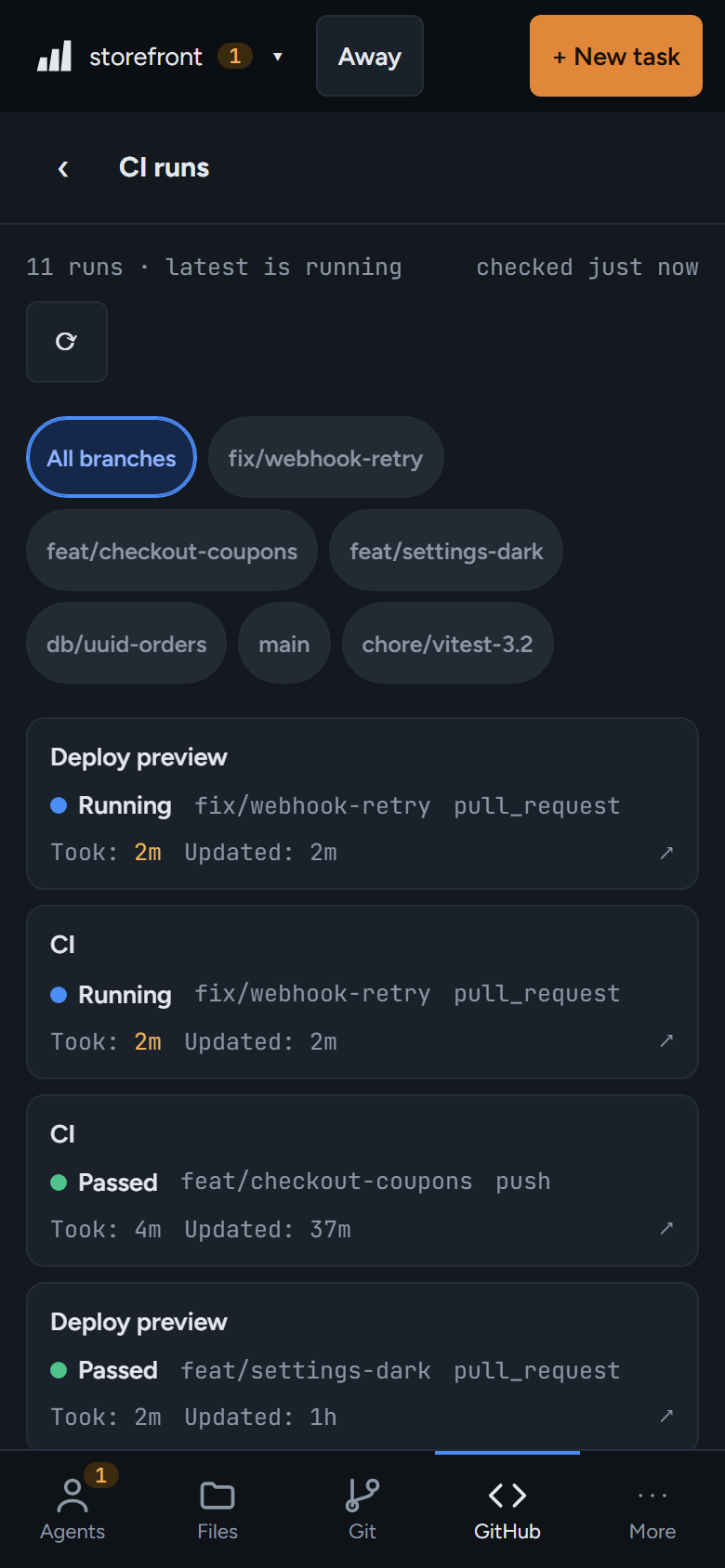
The last 30 GitHub Actions runs with workflow, branch, trigger, duration and result. Click a run to open it on GitHub.
127.0.0.1:4700