Changes and commits
Review what an agent changed and commit only the files you want.
127.0.0.1:4700
Commit
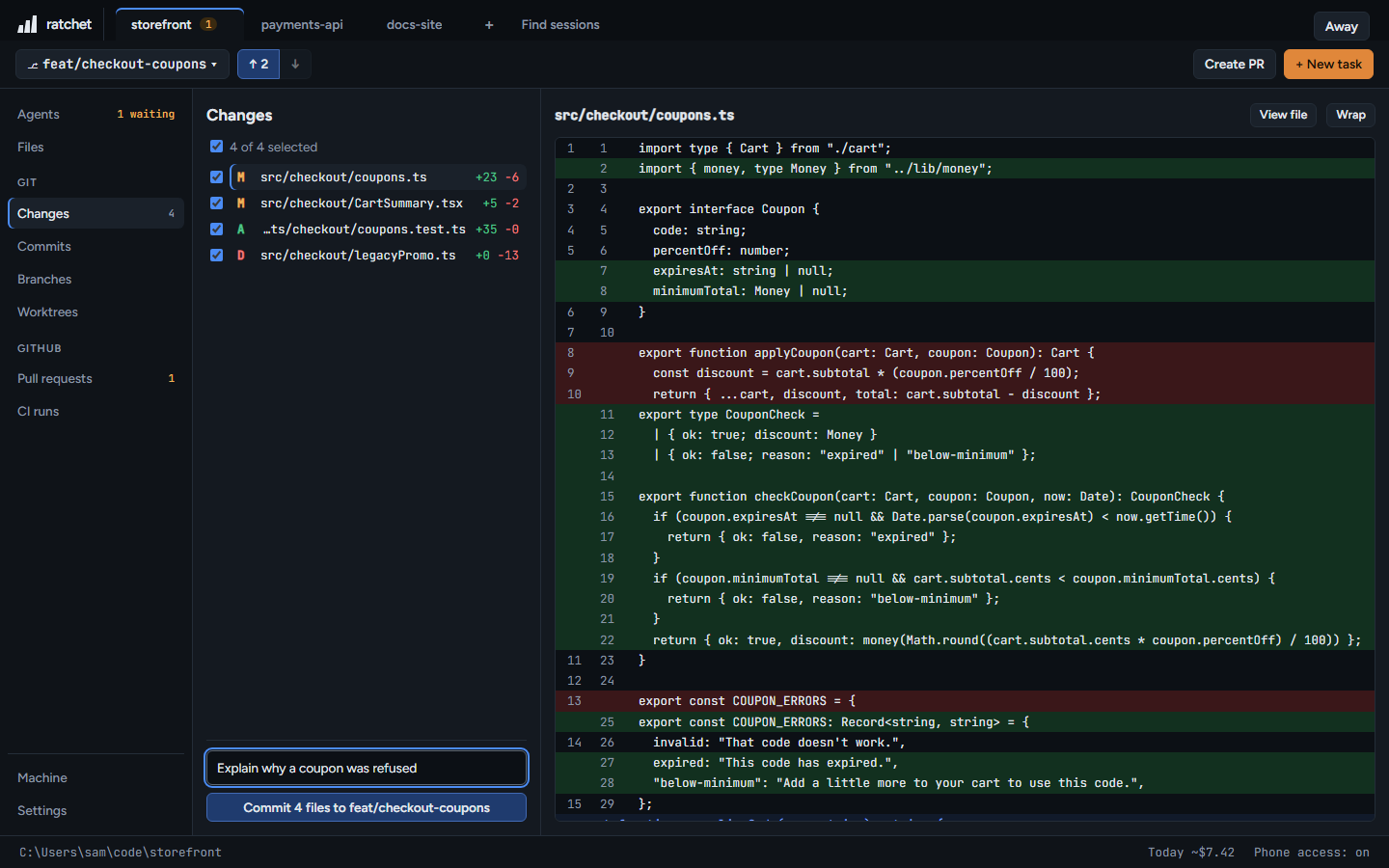
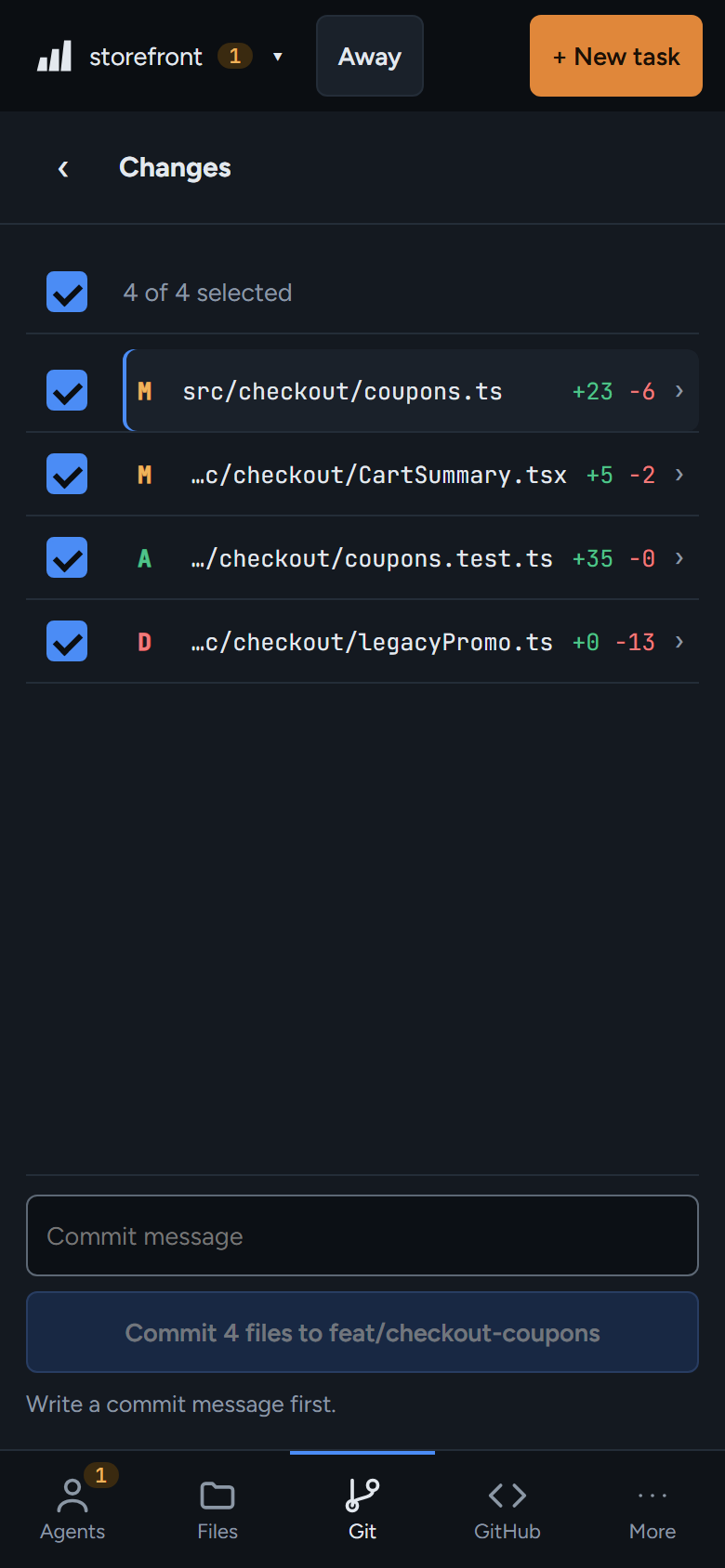
- Pick the folder: the main folder or any worktree.
- Tick the files to commit. ↑ ↓ move through the list, Space ticks a file.
- Read the diff. Wrap wraps long lines, View file opens the whole file.
- Write a commit message and press Commit 3 files to fix/webhook-retry. Only ticked files go in.
Push and pull
The toolbar shows ↑ 2 when you have commits to push and ↓ 1 when origin has new ones. The first push sets up tracking. Pull only fast-forwards. If both sides have new commits, merge or rebase in a terminal.
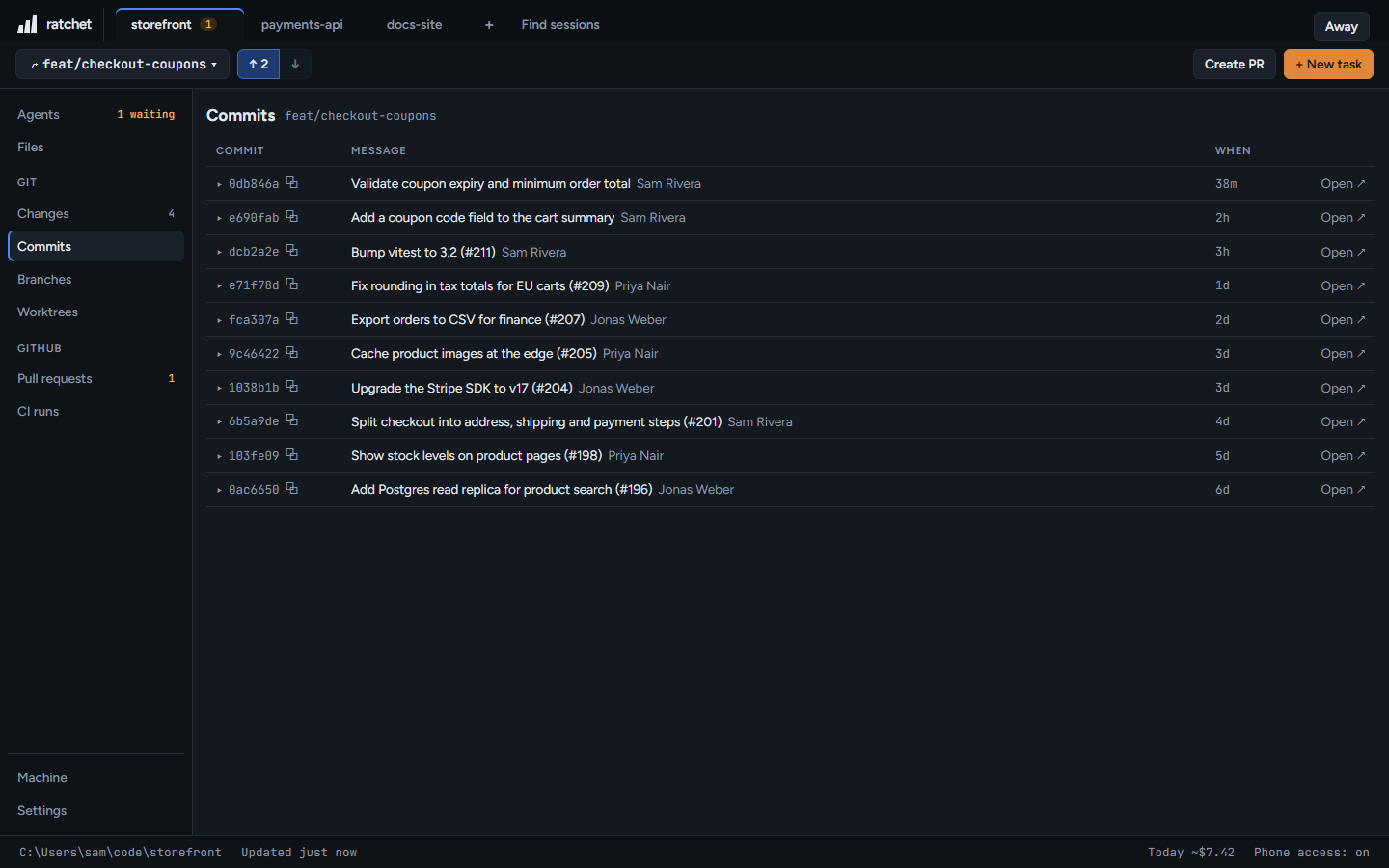
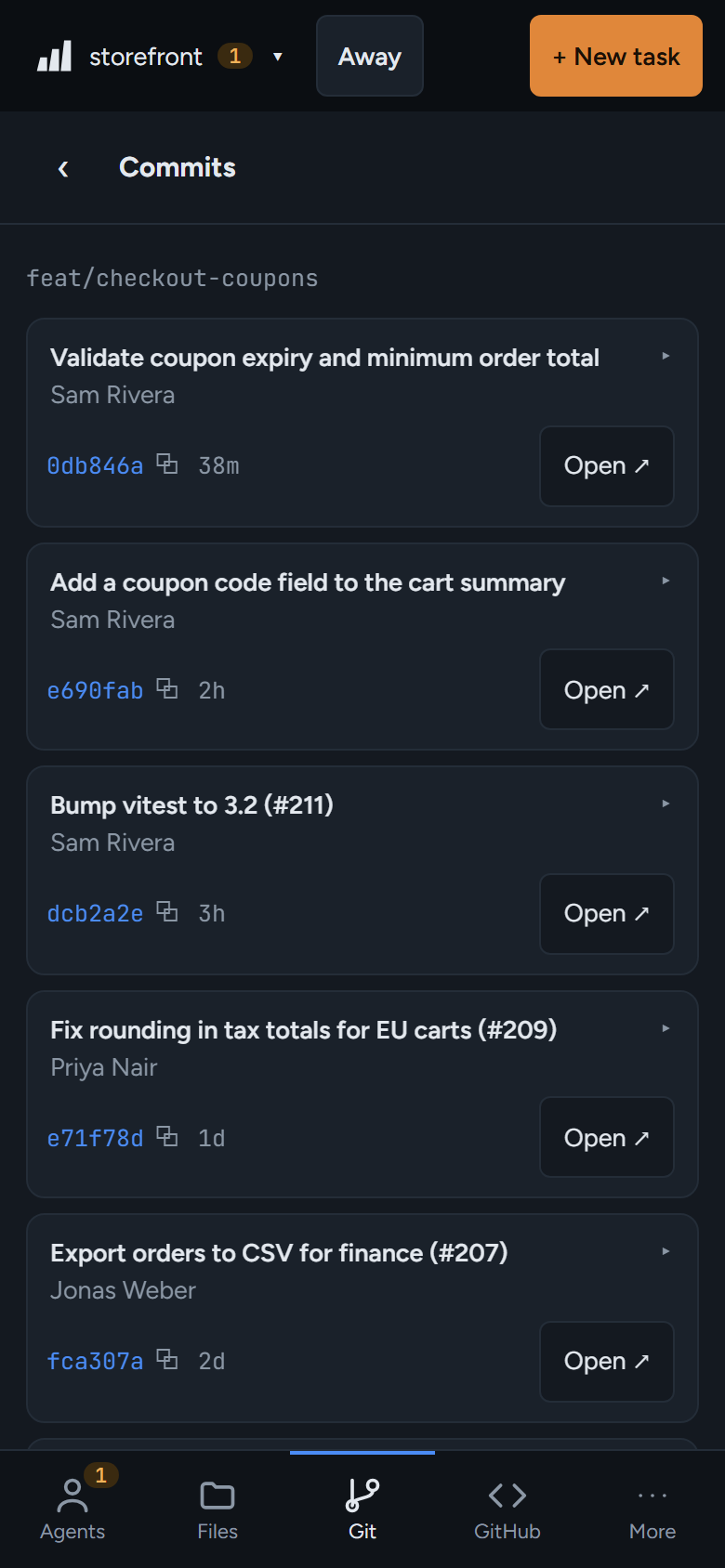
Commits
Recent history for the current branch. Click a hash to copy it, or open the commit on GitHub.
127.0.0.1:4700